Registering VCF Operations 9.0.1 with the VCF Business Services console
After the installation of VCF Operation 9.0.1 you can register and activate VCF with VMware by Broadcom Business Services console. This is where you manage and access the licenses for the environment.
You can register VCF Operations either using two options:
Disconnected mode: Here we manually transfer files from VCF Ops over to VCF Business Services console.
Connected mode: No need for manual transfer of files the registration is done by using the activation code and usage reporting is automatic.
In this post I have chosen the disconnected mode:
First we head into VCF Operations and go to License Management and select the Registration to start downloading the registration file.
Step 1: Download the registration file.


Step 2: Upload the registration file to the VCF Business Services console.
We next go to the Business Services console and upload the registration file inorder to generate a license file.
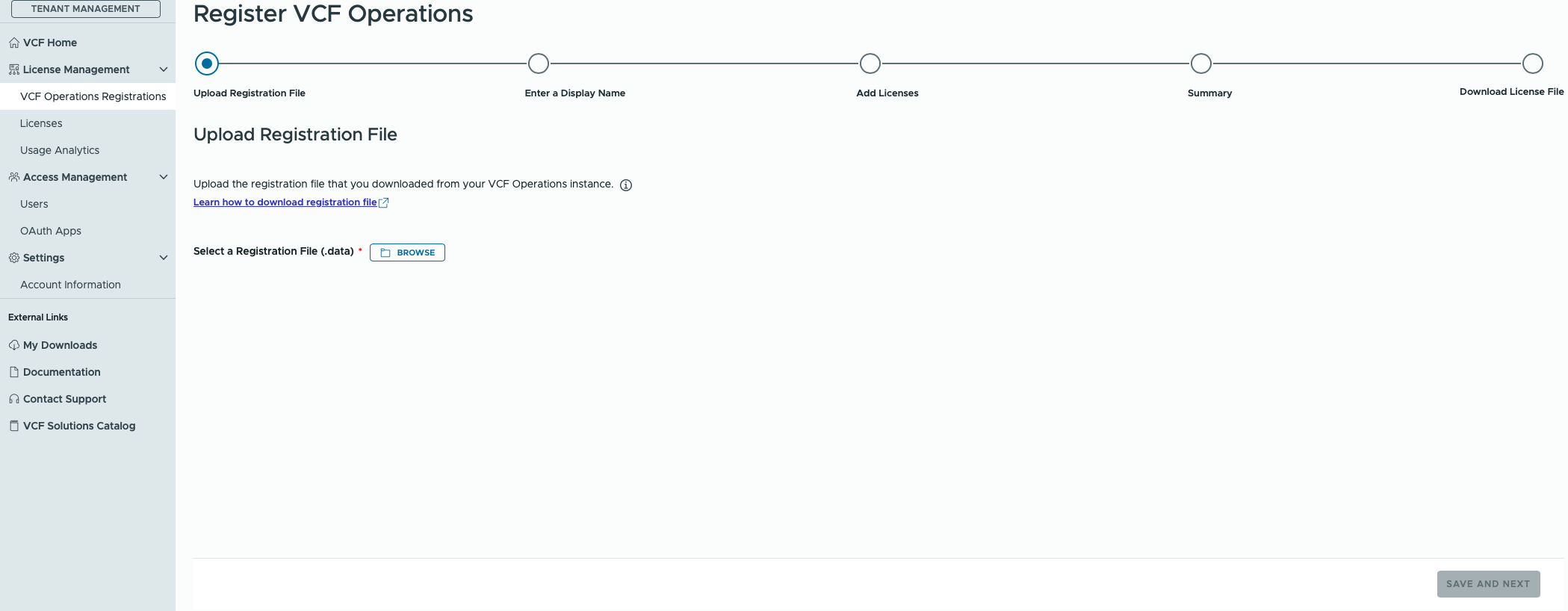

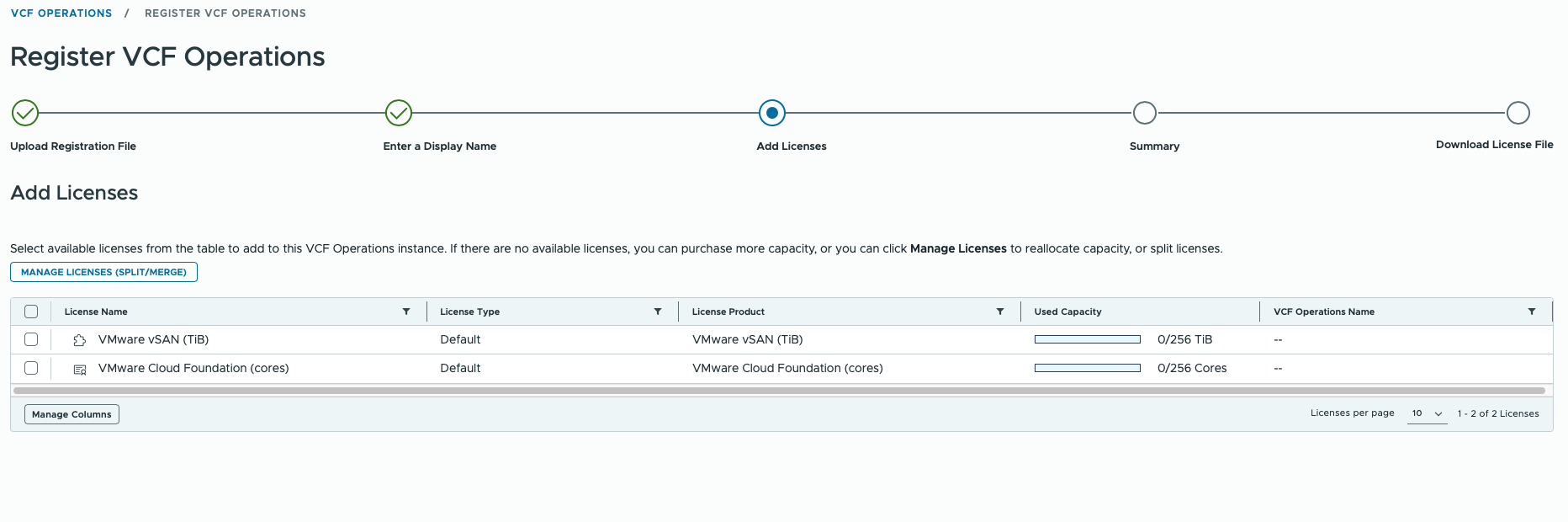
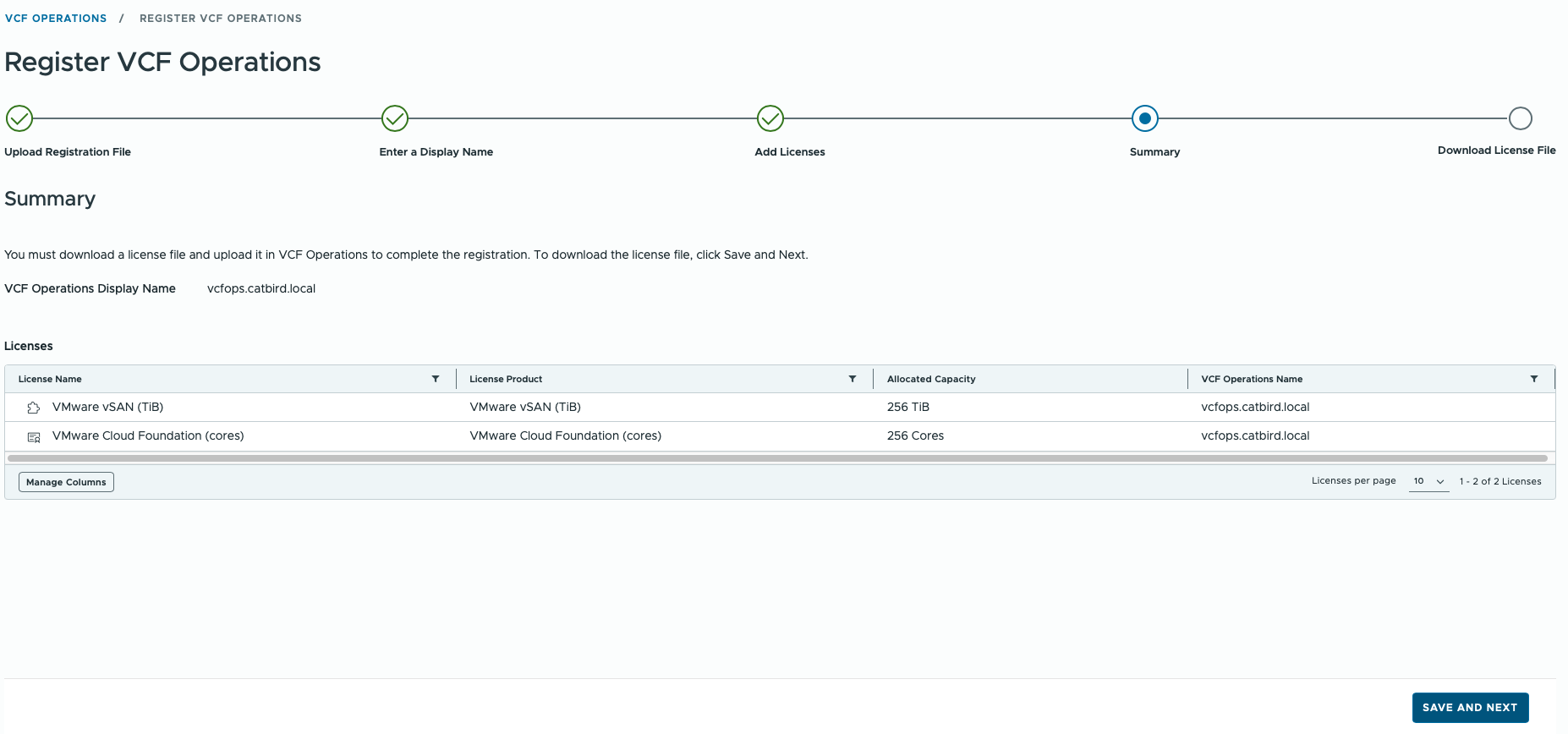
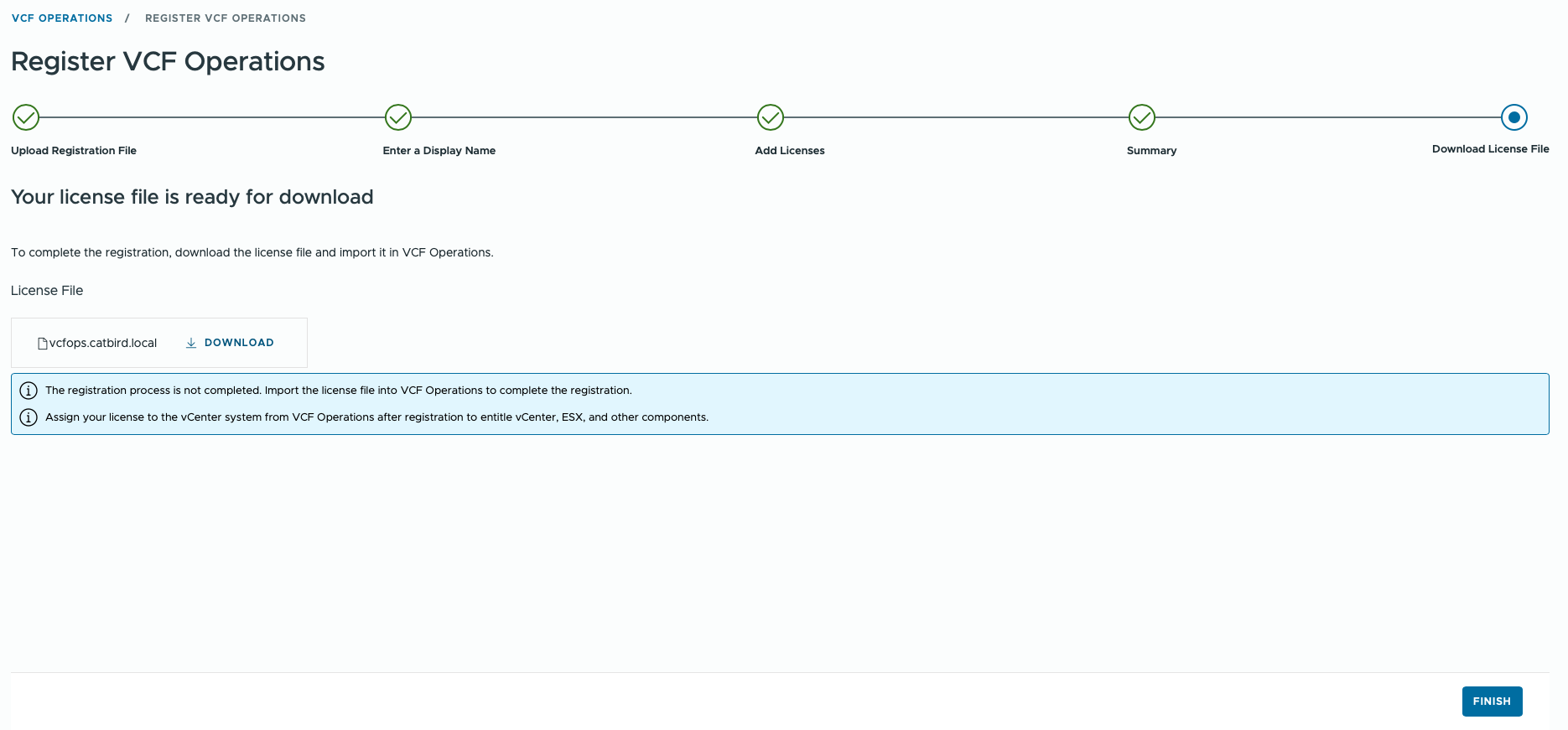
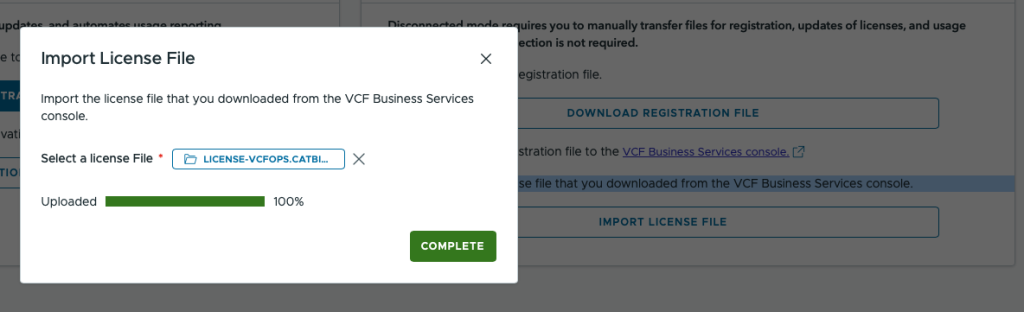
Step 3: Import the license file that you downloaded from the VCF Business Services console.
When that is done, we head back to VCF Operations and upload the license file:
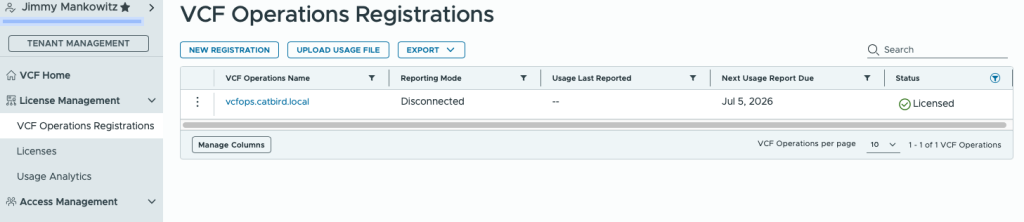
Once this is completed we can head back to VCF Business Services Console and see that we are Licensed.

0 Comments